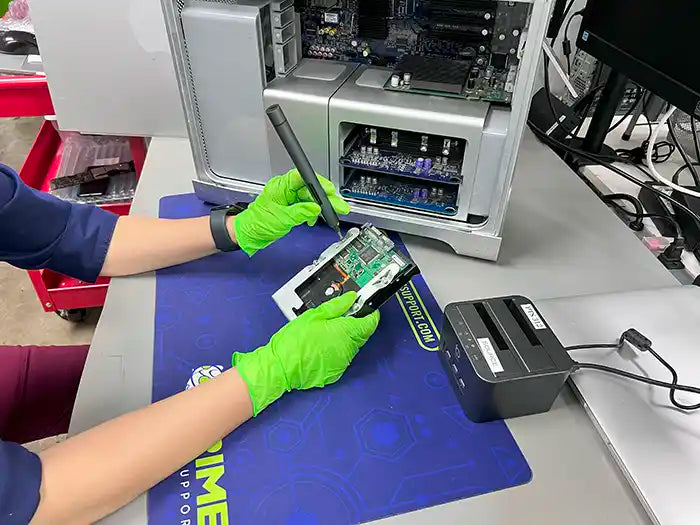
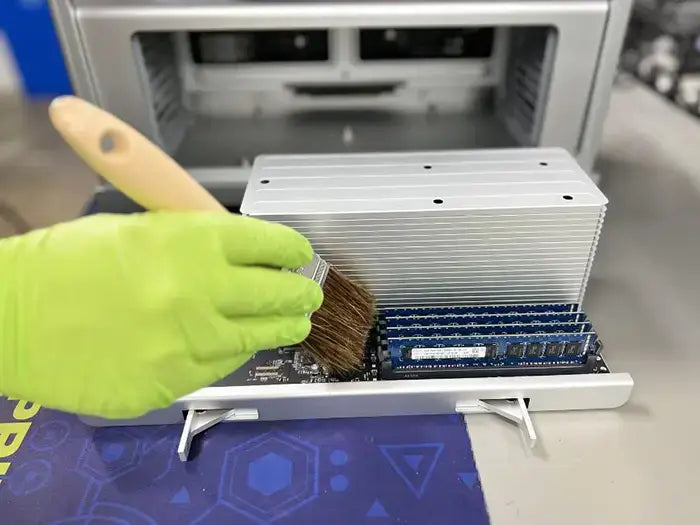
Professional Mac Pro data recovery for failed SSDs, RAID arrays, non-booting systems, accidental deletions, macOS update failures, and logic board–related storage issues. We provide expert in-store service in Miami and secure nationwide mail-in data recovery performed in a controlled lab environment.
Mac Pro systems are designed for high-performance workflows and often rely on advanced storage configurations, including PCIe SSDs, proprietary Apple modules, RAID arrays, and Apple Silicon–based storage integrated into the system architecture. Because of this complexity, Mac Pro data recovery requires careful diagnostics and specialized recovery techniques.
Our technicians handle both logical and physical data loss scenarios, including file system corruption, storage failure, and component-level issues that cannot be resolved using standard recovery software.
When You Need Mac Pro Data Recovery
You may need professional Mac Pro data recovery if your system shows one or more of the following symptoms:
- Mac Pro will not boot or fails to complete startup
- Folder with a question mark appears at startup
- Internal SSD, PCIe storage, or RAID volume is not detected
- macOS fails to load after an update or system upgrade
- APFS or HFS+ file system errors
- RAID volume appears degraded, missing, or corrupted
- Accidental formatting or erased drives
- Sudden data loss after power failure or improper shutdown
- Kernel panics, system freezes, or repeated restarts
- Logic board or power-related issues affecting storage access
If you are unsure whether your Mac Pro data is recoverable, a professional diagnostic evaluation is the safest first step.
Why Mac Pro Data Recovery Is Complex
Mac Pro data recovery is significantly more complex than recovery on standard desktop systems due to Apple’s use of advanced, high-performance storage architectures and modular designs.
Depending on the model year and configuration, Mac Pro systems may use PCIe-based SSDs, proprietary Apple storage modules, multi-drive RAID configurations, or Apple Silicon–based encrypted storage integrated into the system architecture. These designs prioritize speed and performance but limit direct access to storage when failures occur.
Many Mac Pro setups rely on software or hardware RAID, meaning data may be distributed across multiple drives. If even one component in the array fails or becomes corrupted, data access can be disrupted. In addition, modern Mac Pro systems use APFS file systems, encryption, and tightly integrated security features, which prevent access using standard recovery tools.
Because of these factors, improper recovery attempts — including drive swaps, RAID rebuilds, or consumer software — can permanently damage data structures or reduce recovery chances. Professional, lab-based diagnostics are essential to accurately assess the storage configuration and determine the safest recovery approach for Mac Pro systems.
What Data We Commonly Recover from Mac Pro Systems
Our technicians recover a wide range of professional and enterprise-level data from Mac Pro systems, including:
- Photos, videos, and high-resolution media libraries
- Documents, spreadsheets, and business records
- Creative project files (Final Cut Pro, Logic Pro, Adobe Creative Cloud, DaVinci Resolve, etc.)
- Software development projects and virtual machine files
- Databases and structured data
- Emails and local mail archives
- User folders and system data
- External storage, RAID volumes, and backup drives (when applicable)
Each recovery is performed with careful attention to file integrity, folder structure, and data privacy, ensuring recovered data is returned in the most usable form possible.
Mac Pro Diagnostic Evaluation & Recovery Transparency
Every Mac Pro data loss case is unique due to the wide range of storage configurations, including PCIe SSDs, proprietary Apple modules, RAID arrays, and Apple Silicon–based encrypted storage. A professional diagnostic evaluation is required to accurately determine recovery feasibility and the safest recovery method.
During the diagnostic process, our technicians assess the storage architecture, identify the cause of data loss, and evaluate whether recovery can be performed without risking further damage. This evaluation allows us to provide realistic expectations and outline the most effective recovery approach for your specific Mac Pro configuration.
After diagnostics are complete, you receive a clear explanation of your recovery options and an upfront quote. No recovery work begins without your approval, and the diagnostic evaluation is applied toward the final service when you proceed. This ensures transparency, accuracy, and informed decision-making at every step.