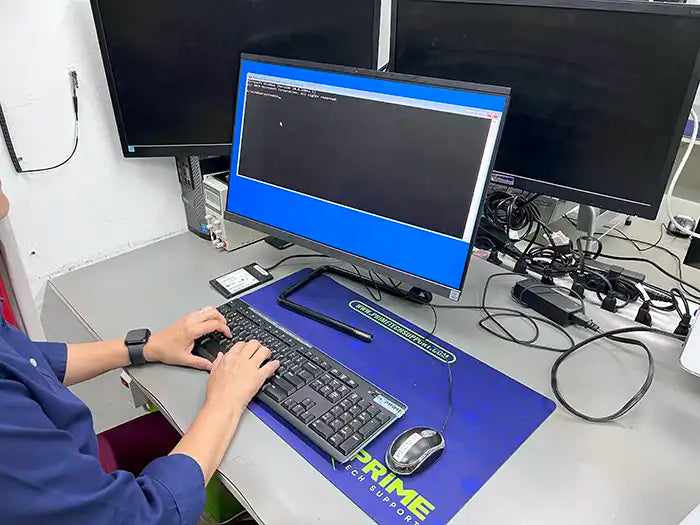
Professional All-in-One computer data recovery for Windows AIO systems affected by failed hard drives or SSDs, BitLocker-encrypted storage, non-booting systems, operating system corruption, and power-related hardware failures. We provide expert in-store service in Miami and secure nationwide mail-in data recovery performed in a controlled lab environment.
Windows All-in-One computers integrate the display, motherboard, and storage into a single enclosure, often using compact or proprietary components. Because of this design, data recovery requires specialized diagnostics to safely access storage without risking further damage.
When You Need All-in-One Data Recovery
You may need professional All-in-One data recovery if your Windows AIO system shows one or more of the following symptoms:
- All-in-One computer will not boot or fails to load Windows
- “No bootable device found” or similar startup errors
- Internal hard drive or SSD is not detected
- Files disappeared after a Windows update or system crash
- Accidental formatting, deleted partitions, or erased drives
- Blue screen errors, freezing, or repeated restarts
- Data loss after power surge, outage, or improper shutdown
- BitLocker-encrypted drive locked after hardware or OS failure
- Overheating or power issues affecting internal storage
- Physical damage affecting internal components
If you are unsure whether your data is recoverable, a professional diagnostic evaluation is the safest first step.
Why All-in-One Data Recovery Is Complex
All-in-One computer data recovery is complex due to the highly integrated design of these systems. Unlike traditional desktops, AIO computers combine the display, motherboard, power supply, and storage into a compact enclosure, often using limited-access or proprietary components.
Many Windows AIO systems use BitLocker encryption, which secures data using encryption keys tied to the operating system, TPM chip, or user credentials. If a system experiences hardware failure, firmware corruption, or operating system damage, BitLocker can prevent access to data even when the storage device itself is still functional.
In addition, AIO computers are more vulnerable to power-related damage, thermal stress, and component failure due to compact internal layouts. Consumer recovery software is often ineffective in these scenarios and may worsen data loss. Professional, lab-based diagnostics are essential to safely assess encrypted storage and determine recovery feasibility.
What Data We Commonly Recover from All-in-One Computers
Our technicians recover a wide range of personal and business data from Windows All-in-One systems, including:
- Documents, spreadsheets, and presentations
- Photos and videos
- Emails and local mail archives
- Business files and accounting data
- Creative and design project files
- User profiles and desktop data
- External drives and backup devices (when applicable)
Each recovery is performed with careful attention to data integrity, folder structure, and confidentiality.
All-in-One Diagnostic Evaluation & Recovery Transparency
Every All-in-One data loss case is different. A professional diagnostic evaluation is required to determine recovery feasibility, identify the safest recovery approach, and set realistic expectations.
After diagnostics are complete, you receive a clear explanation of your recovery options and an upfront quote. No recovery work begins without your approval, and the diagnostic evaluation is applied toward the final service when you proceed.
This process ensures transparency, accuracy, and informed decision-making throughout the recovery.