Laptop Data Recovery

Location
  • Professional Evaluation Service
  • Evaluation Applies Toward Recovery Cost
  • Enviromentally Friendly
  • Secure payments
  • Highly rated on Google
Price
Regular price $8000
Regular price Sale price $8000
Save $-80
/
Expert data recovery for Laptop storage failures — from non-booting systems to advanced encrypted SSD recovery (nationwide mail-in or in-store in Miami).
This price is for the diagnostic only (non-refundable), and It will be applied to the final cost of the service.
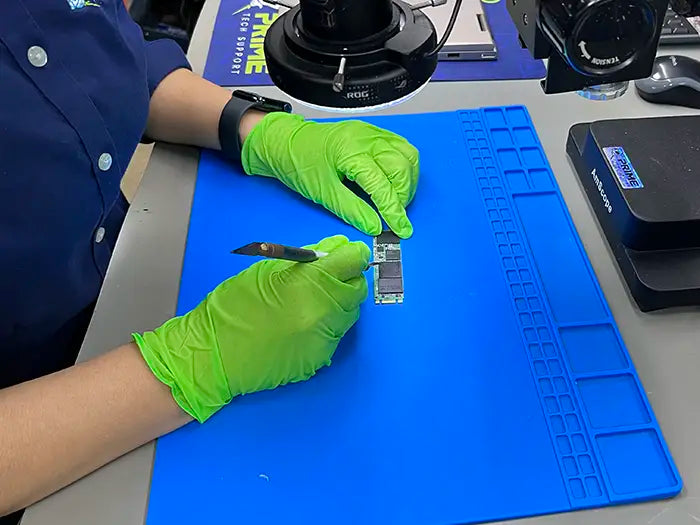
Professional laptop data recovery services for Windows and macOS systems with failed, corrupted, or inaccessible storage. Prime Tech Support specializes in recovering data from internal hard drives, solid-state drives, and other laptop storage devices affected by accidental deletion, system failure, or physical damage. Our Miami-based lab offers secure diagnostics and expert recovery, with nationwide mail-in options available for complex data loss cases.

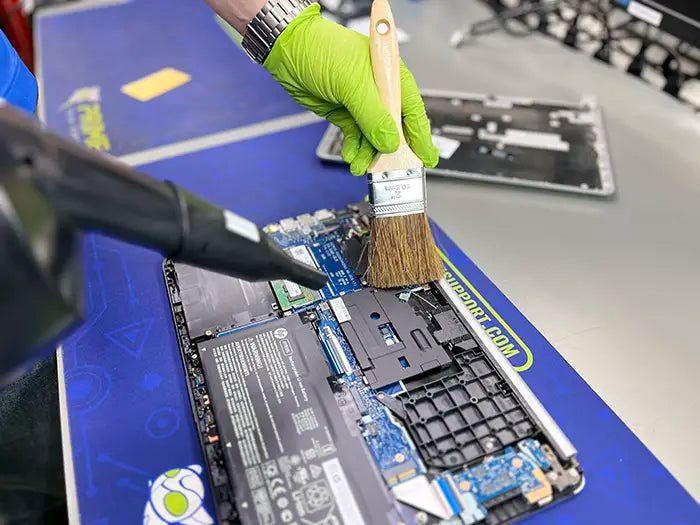
Professional Windows laptop data recovery for failed hard drives and SSDs, non-booting systems, accidental deletions, operating system failures, BitLocker-related access issues, liquid damage, and motherboard-related storage problems. We provide expert in-store service in Miami and secure nationwide mail-in data recovery performed in a controlled lab environment.

We recover data from Windows-based laptops across major manufacturers, including Dell, HP, Lenovo, ASUS, Acer, MSI, and others. These systems may use traditional hard drives, SATA SSDs, NVMe storage, or soldered storage components. Each recovery case is evaluated individually to determine the safest and most effective recovery approach.

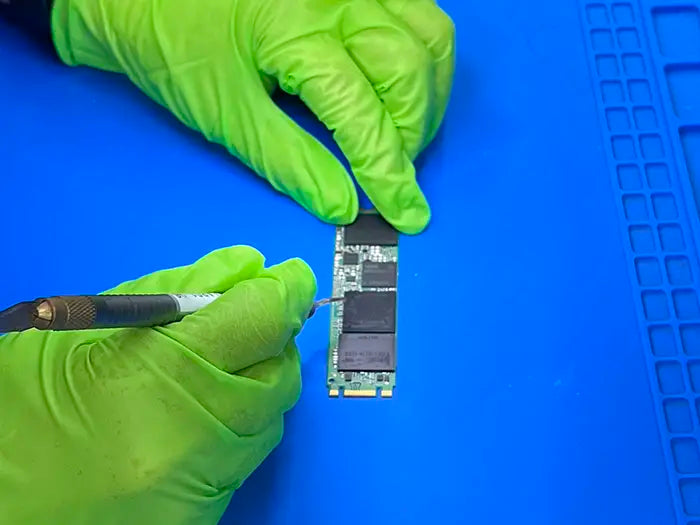
Our technicians handle both logical and physical data loss scenarios, including file system corruption, storage device failure, and hardware-level issues that cannot be resolved using standard recovery software.

When You Need Laptop Data Recovery

You may need professional laptop data recovery if your Windows laptop shows one or more of the following symptoms:

  • Laptop will not boot or fails to load Windows
  • “No bootable device found” or similar startup errors
  • Internal hard drive or SSD is not detected
  • Files disappeared after a Windows update or system crash
  • Accidental formatting or erased storage
  • Blue screen errors or repeated system crashes
  • Data loss after power failure or improper shutdown
  • BitLocker-encrypted drive locked after system failure
  • Liquid damage from water, coffee, or other spills
  • Physical damage affecting internal storage or motherboard components

If you are unsure whether your laptop data is recoverable, a professional diagnostic evaluation is the safest first step.

Why Laptop Data Recovery Is Complex

Windows laptop data recovery is complex due to the variety of storage technologies, security features, and system designs used across modern devices. Laptops may use traditional hard drives, SATA SSDs, NVMe drives, or soldered storage, often combined with advanced encryption and firmware-level protections.

Many Windows laptops use BitLocker encryption, which secures data using encryption keys tied to the operating system, TPM chip, or user credentials. When hardware failure, firmware corruption, or operating system damage occurs, BitLocker can prevent access to data even if the storage device itself is still functional. Without the correct recovery key, data may become inaccessible.

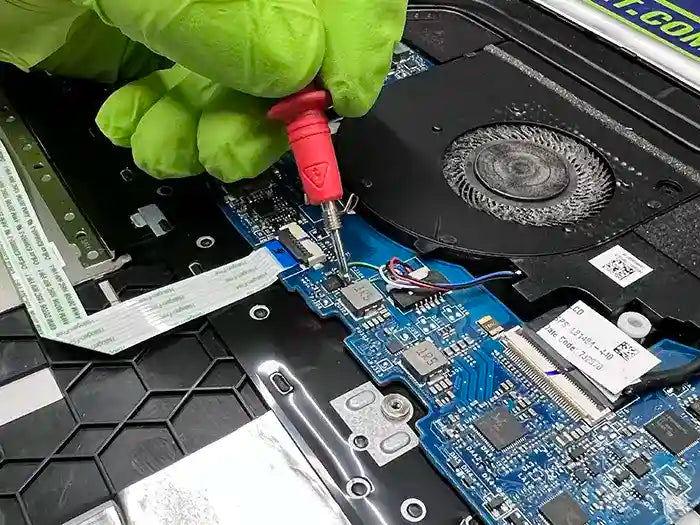
In addition, modern laptops integrate storage closely with the motherboard, increasing the risk of data loss after electrical damage or liquid exposure. Consumer recovery software is often ineffective in these scenarios and may worsen the situation.

Because of these factors, DIY recovery attempts can permanently reduce recovery chances. Professional, lab-based diagnostics are essential to assess encrypted storage, determine key availability, and identify the safest recovery method.

What Data We Commonly Recover from Windows Laptops

Our technicians recover a wide range of personal and business data from Windows laptops, including:

  • Documents, spreadsheets, and presentations
  • Photos and videos
  • Emails and local mail archives
  • Business files and accounting data
  • Creative project files (Adobe, CAD, design software)
  • User profiles and desktop data
  • External drives and backup devices (when applicable)

Each recovery is performed with careful attention to data integrity, folder structure, and confidentiality.

Laptop Diagnostic Evaluation & Recovery Transparency

Every laptop data loss case is different. A professional diagnostic evaluation is required to determine recovery feasibility, identify the safest recovery approach, and set realistic expectations.

After diagnostics are complete, you receive a clear explanation of your recovery options and an upfront quote. No recovery work begins without your approval, and the diagnostic evaluation is applied toward the final service when you proceed.

This process ensures transparency, accuracy, and informed decision-making throughout the recovery.

Our Laptop Data Recovery Process — Miami & Nationwide

Step 1 diagnostic evaluation to assess data recovery options

Diagnostic Evaluation

The first and most critical step is a professional diagnostic evaluation. We analyze your Laptop to determine whether data loss is caused by logical issues, physical damage, or component-level failure. This assessment allows us to identify the safest and most effective recovery approach before any work is performed.

Step 2 recovery planning and execution of data recovery process

Recovery Planning & Execution

Once the evaluation is complete, we determine whether data recovery is possible and which techniques are required. Depending on the case, recovery may involve controlled software-based extraction or advanced lab-based, component-level procedures. No recovery work is performed without confirming the appropriate method for your specific device.

Step 3 data verification and delivery in the data recovery process

Data Verification & Delivery

After recovery, all retrieved data is carefully verified for integrity. Your data is then securely returned on a customer-provided or purchased storage device. Devices can be picked up locally, shipped back via our mail-in service, or arranged for secure delivery when applicable.

Why Choose Prime Tech Support for Laptop Data Recovery

  • Providing professional data recovery services in Miami since 2010
  • Experience with Windows laptop storage technologies and BitLocker encryption
  • Expertise with HDDs, SSDs, NVMe drives, and soldered storage systems
  • Advanced lab-based diagnostics and controlled recovery procedures
  • Secure handling of sensitive personal and business data
  • Clear communication throughout the recovery process
  • Secure nationwide mail-in laptop data recovery available

Our focus is on safe, professional recovery — not automated tools or one-size-fits-all solutions.

Nationwide Mail-In Laptop Data Recovery Services

If you are not located in Miami, we offer a secure nationwide mail-in Laptop data recovery service. Customers can ship their Laptop to our Miami recovery lab for professional evaluation and recovery.

Mail-in cases receive the same lab-based diagnostics, careful handling, and transparent recovery process as in-store services. Once recovery is complete, return shipments from our facility are securely packaged, insured, and tracked to ensure safe delivery back to you.

Looking for other recovery options beyond Laptop Data Recovery?

Explore all data recovery services

Customer Reviews for Laptop Data Recovery

★★★★★

This is the best IT experience I have ever had. My laptop was dying and was completely restored along with my data. This place truly cares about what they do, the importance of our computers and they won't stop until all the issues are fully resolved. I can not say enough wonderful things about Claudia and her incredible staff at Prime Tech. I am truly grateful for their work. If there were 10 stars to give for excellence, I would do it for them!

Yelp Reviews for Prime Tech Support a Computer Repair and IT Support Company
John V Miami, FL
★★★★★

This is been the most professional, knowledgeable and helpful experience I’ve ever had working with IT technicians. Yesterday, my computer completely blew out, and my motherboard was completely fried. I thought I was gonna lose all my data needed to run my business. The first Tech store I went to said without the computer being able to operate I would not be able to get the data off of it. I then brought it here and worked with Darian and he was not only sure he could transfer it, but also did so in the exact same day I brought it over. And then upon pick up even helped me set up apps and other software that would be needed for the computer to be fully operational at the moment when I walked out the door. This is a FANTASTIC company, and I assure you I will be more than happy to recommend them to anyone in the market. Thank you guys and Darian especially you guys are world class!

Austin F Miami, FL
★★★★★

I recommend this service with my eyes closed. Excellent customer service. Keep the customer constantly informed of the progress of the repair.

Google review icon after a customer experienced first hand the prime support and repair solutions by our expert team in Miami Dade County.
Alejandro D Miami, FL
More from Laptop Repairs

Laptop Data Recovery FAQs

What is a laptop data recovery?

Laptop data recovery is the process of retrieving lost, deleted, or inaccessible data from a Windows laptop when the system will not boot, storage is not detected, or files are inaccessible due to software corruption or hardware failure.

Can data be recovered from a BitLocker-encrypted laptop?

In some cases, yes. Recovery depends on the condition of the storage device and whether the BitLocker recovery key is available. A professional diagnostic evaluation is required to determine feasibility.

Can data be recovered from a laptop that won’t turn on?

In many cases, yes. If the internal storage can be accessed using controlled recovery methods or component-level diagnostics, data recovery may still be possible.

Is there a chance my laptop data cannot be recovered?

Yes. Recovery success depends on factors such as storage condition, encryption status, and the severity of the failure. A diagnostic evaluation is the best way to determine feasibility.

Should I try recovery software before professional recovery?

DIY recovery tools can worsen damage, especially on encrypted or failing drives. Professional diagnostics are recommended before attempting recovery.

Recently viewed